
7 slideshow effects
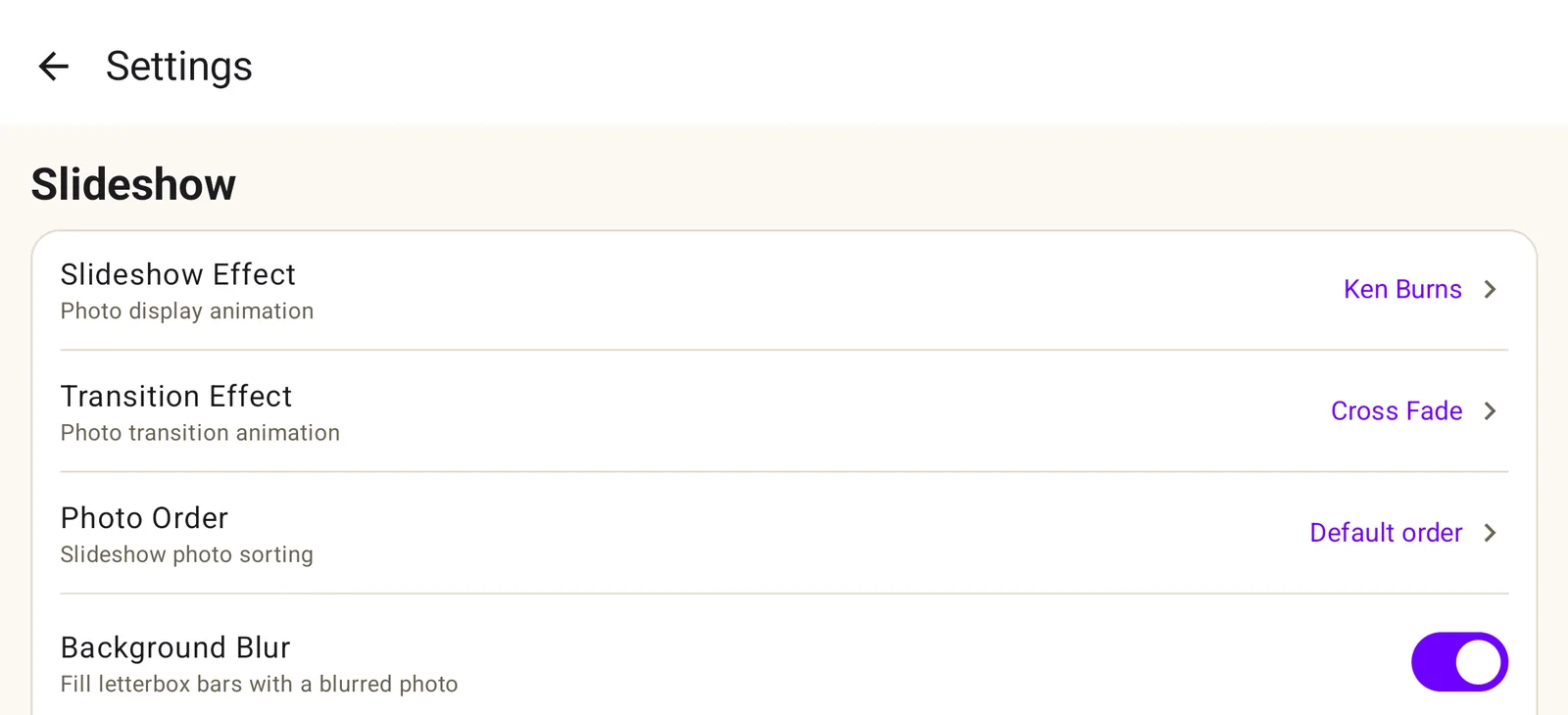
Choose from a face-aware Ken Burns effect that pans slowly without cutting off people, plus zoom, parallax, panorama and grid effects.

Turn your tablet into a family photo frame.
Pick the photos on your device and press play. Your photos drift by one at a time with smooth transitions, while the clock and weather sit quietly in the corner. A tablet on the living room shelf or a phone on its charger becomes a beautiful frame.

Big, beautiful photos. A quiet clock and weather.

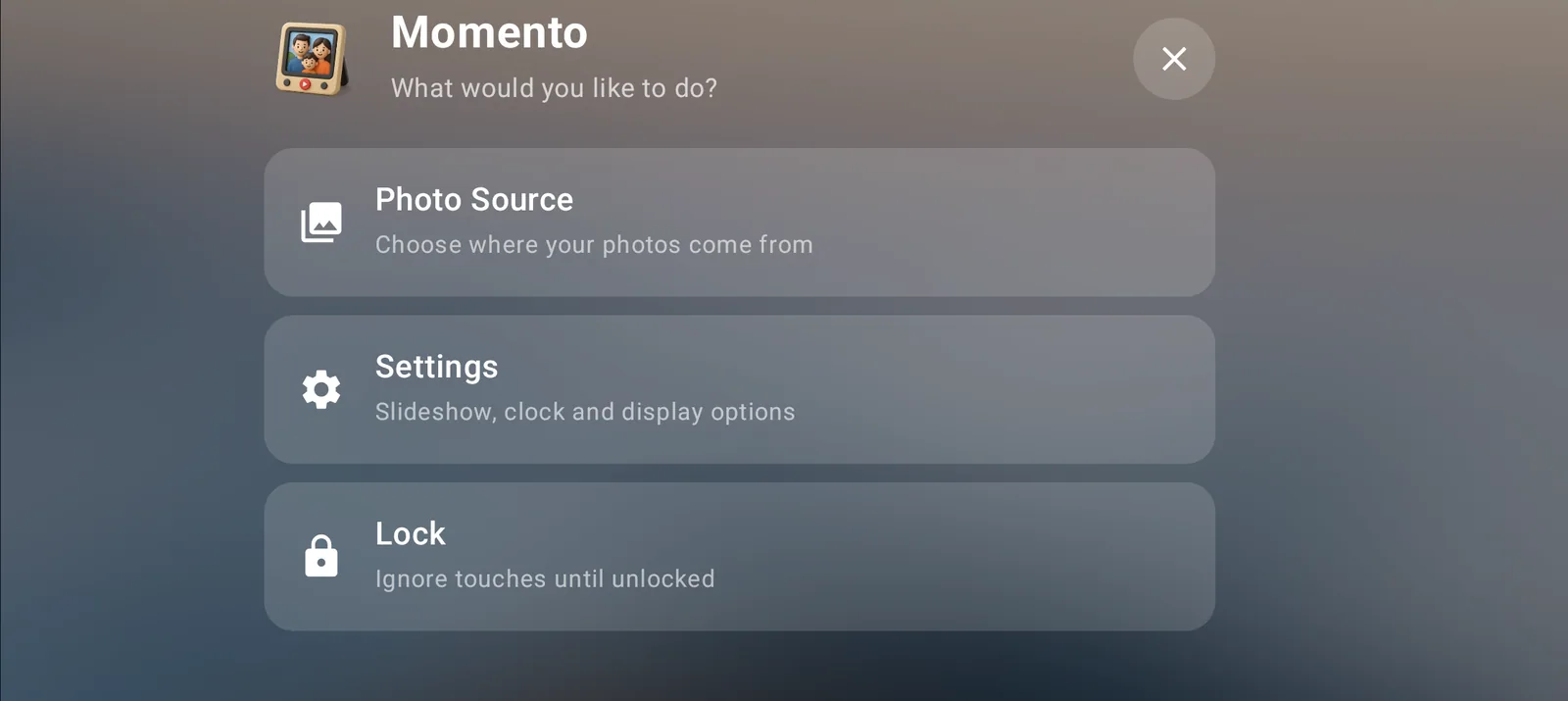

Bring the photos hidden in your gallery back into everyday life.
Designed to stay on all day, like a real frame.
Choose from a face-aware Ken Burns effect that pans slowly without cutting off people, plus zoom, parallax, panorama and grid effects.
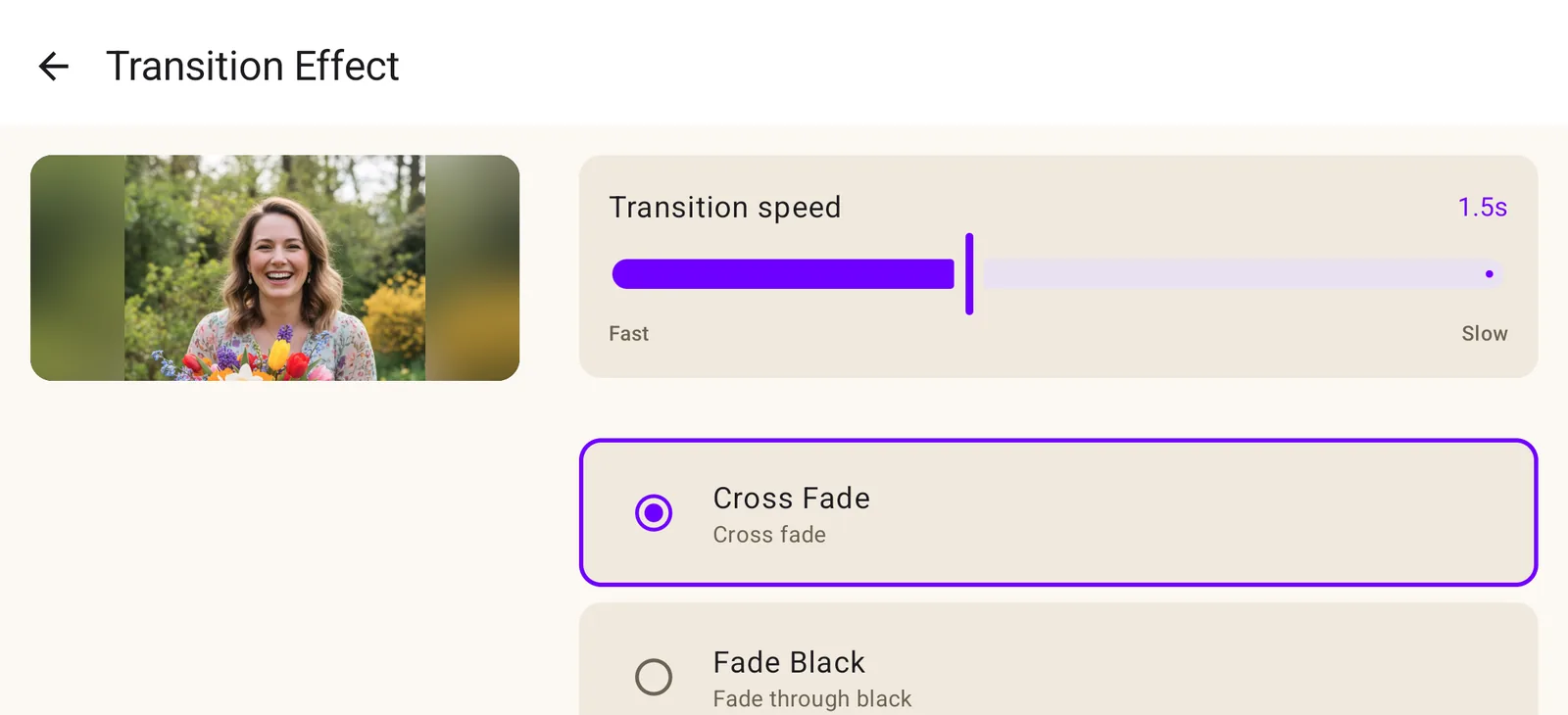
Every photo change is smooth. Pick cross fade, cube, ripple, mosaic and more, or mix them at random, and set the transition speed.
Show the date, time and current weather over your photos. Place them in any of 8 positions and choose the size and background color.
Pick a music folder on your device to play along with the slideshow. Play photos and music in order or shuffle them.
Choose folders from your gallery, or show photos straight from a shared folder (SMB) on a PC or NAS at home.
Brightness modes, auto stop on low battery, slideshow time limits and a touch lock let you leave it running like a real frame.
Three steps is all it takes.
Choose the photo folders to show. You can pick several at once.
Choose the slideshow effect, transition and where the clock and weather go.
Press play and stand your device up. It's a photo frame now.
Questions or problems? We'd love to hear from you.